PythonCraft
A web app alongside a Minecraft Server plugin which let students program Minecraft mods in Python.
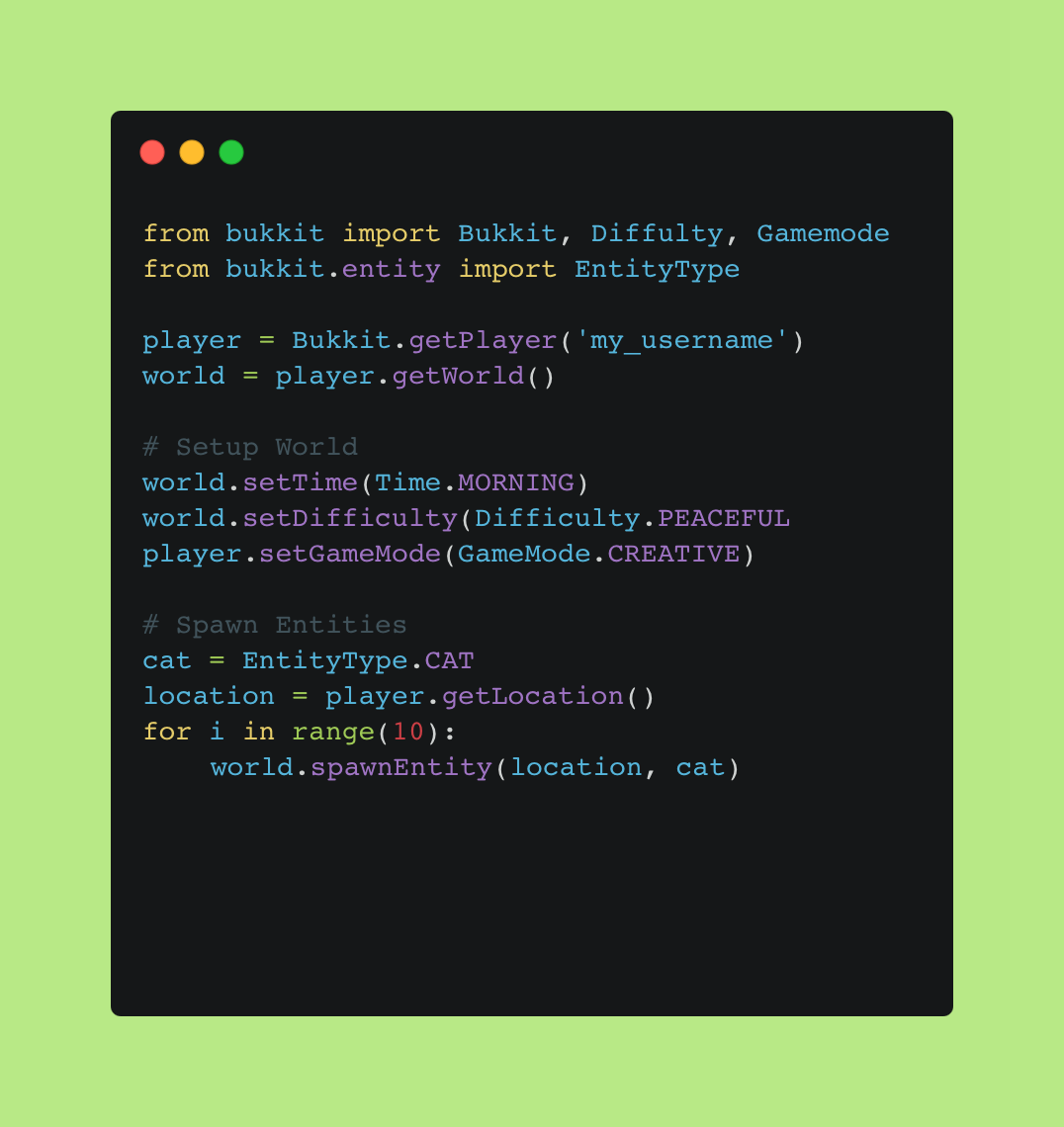
Minecraft Mods
I used to run a holiday club called Megabyte Club which used the video game Minecraft to teach various topics including programming. I had explored tools which let students use code to affect the game (i.e. write mods). Examples of these tools include the Python Minecraft Library included with Raspberry Pis and Code Kingdoms which lets students create mods in Java and then run them on a server. The Raspberry Pi Minecraft Library was useful but only worked on Raspberry Pis and did not offer the full version of the game which the students wanted. Tools like Code Kingdoms suffered from what I refer to as the Duolingo Problem which is they hold the students hand so much that if the student is every faced with a blank page, or a problem that has no guide, they can't continue. I wanted to create a tool which let users write in plain python with no boilerplate or "fill in the blanks" and create Minecraft Mods.The Plugin
I came across this blog post which describes a Minecraft plugin that lets users execute Python commands that are then converted to Java using Jython (a Java based Python interpreter). This seemed to fit the bill perfectly (although it used Python 2) and it even offered up sending commands over a websocket connection.The Website
I created a web based editor that would send Python code to a specific Minecraft Server running the aforementioned plugin. The plugin would then execute that code on the server. I also added the ability to save programs and reopen them at a later date. I used CodeMirror to create the text editor, this gave it the feel of a more fully featured text editor.Results
The site and plugin worked and I was able to send simple commands over the internet to the server which were executed. This let me spawn animals, change the weather and even place blocks. There were however a few problems. Namely the threading model in the Minecraft Server meant that some commands were easy to use an others almost impossible without complicated boilerplate code. I was sending the code line by line and interpreting it server side but this created formatting problems as in Python indentation is key. It was also frustrating that Jython only worked with Python 2. I was able to solve some of these problems using the Adapter Pattern which basically meant I created a custom library which wrapped around the main bukkit (Minecraft Modding) library. This meant I could change the java syntax to be much more pythonic and remove complicated threading boilerplate code.Next Steps
Ultimately I think relying on the pre-existing Minecraft Plugin was helpful for rapid development but unhelpful as it gave me little control over serverside problems. Instead I started work on my own custom Minecraft Plugin, this time using Py4j which is a python to java interpreter which supports Python 3. I was able to get a very basic version of the plugin working, although more work would be needed to fully support Bukkit.Technologies Used
- Python